

Introduction
This article explains the structure of the Partner section and how to manage and interact with partners during your move. You'll learn about viewing, searching, and organizing partners to streamline your moving process.
Step 1: Understand the Main View
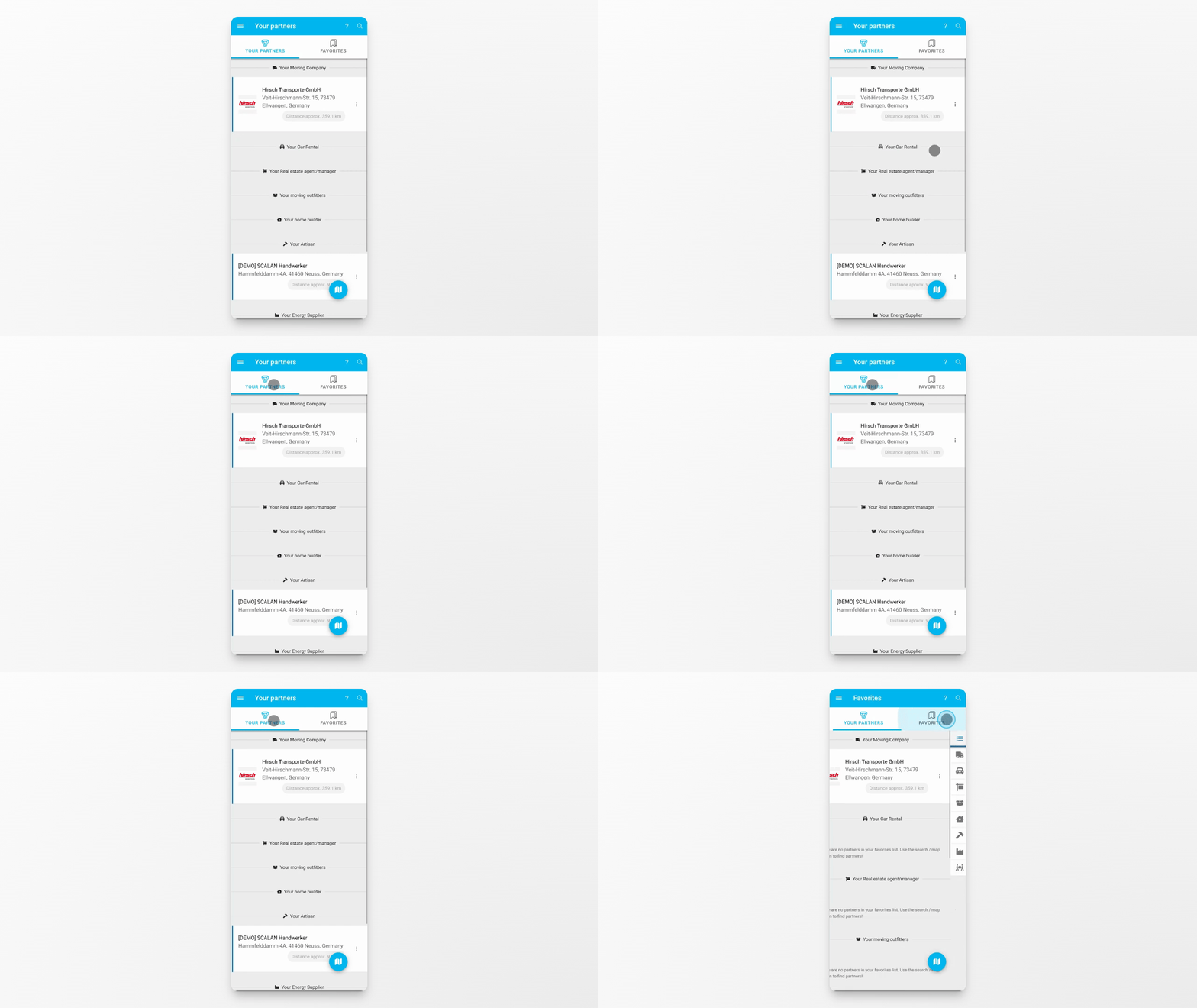
The main view of the Partner section is divided into two areas: Your Partners and Favorites. In Your Partners, you'll see all partners currently linked to your move. These are companies and services that support you throughout the process. Both lists are organized by different partner types, making it easy to quickly find what you need.
Step 2: Add New Partners
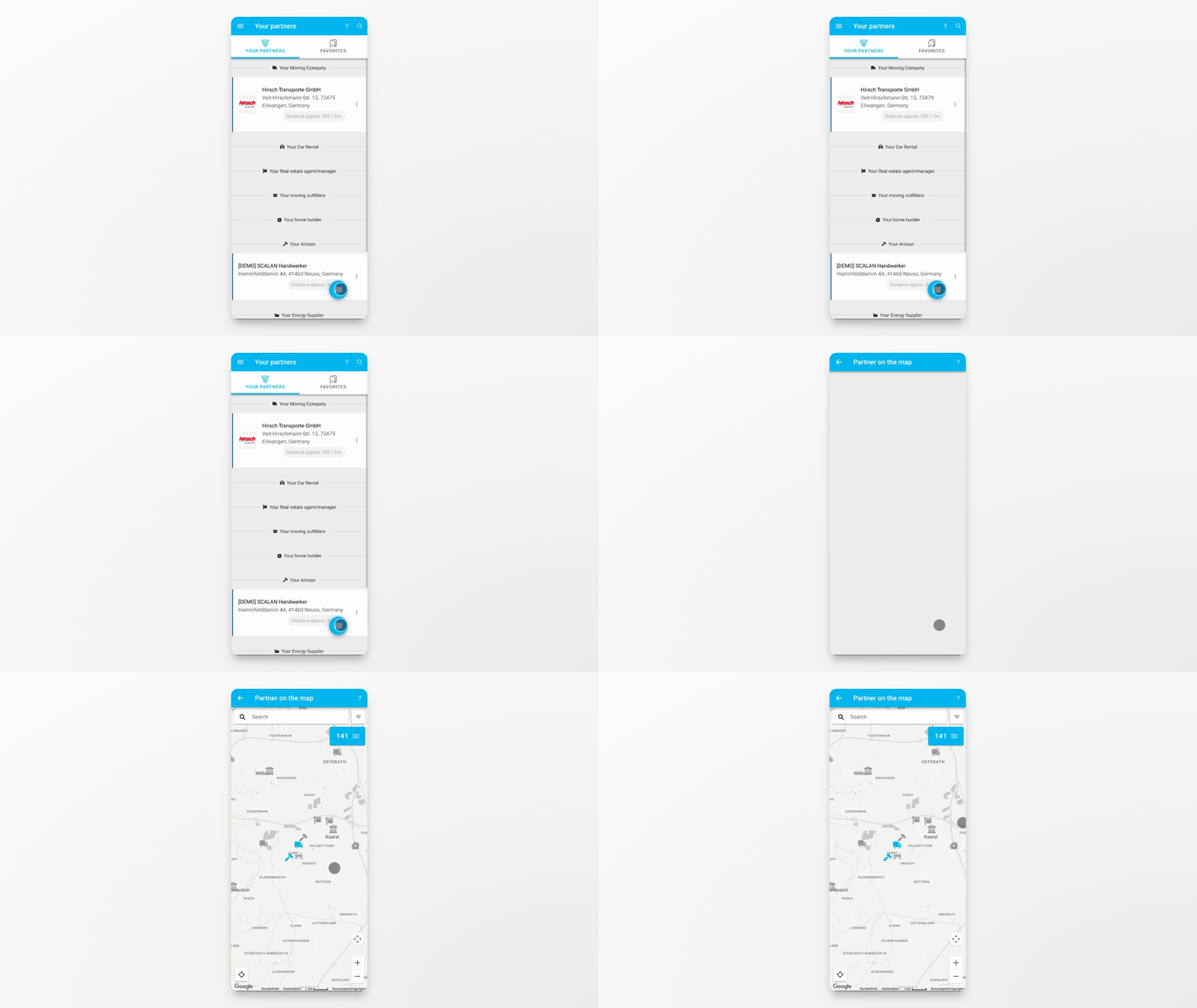
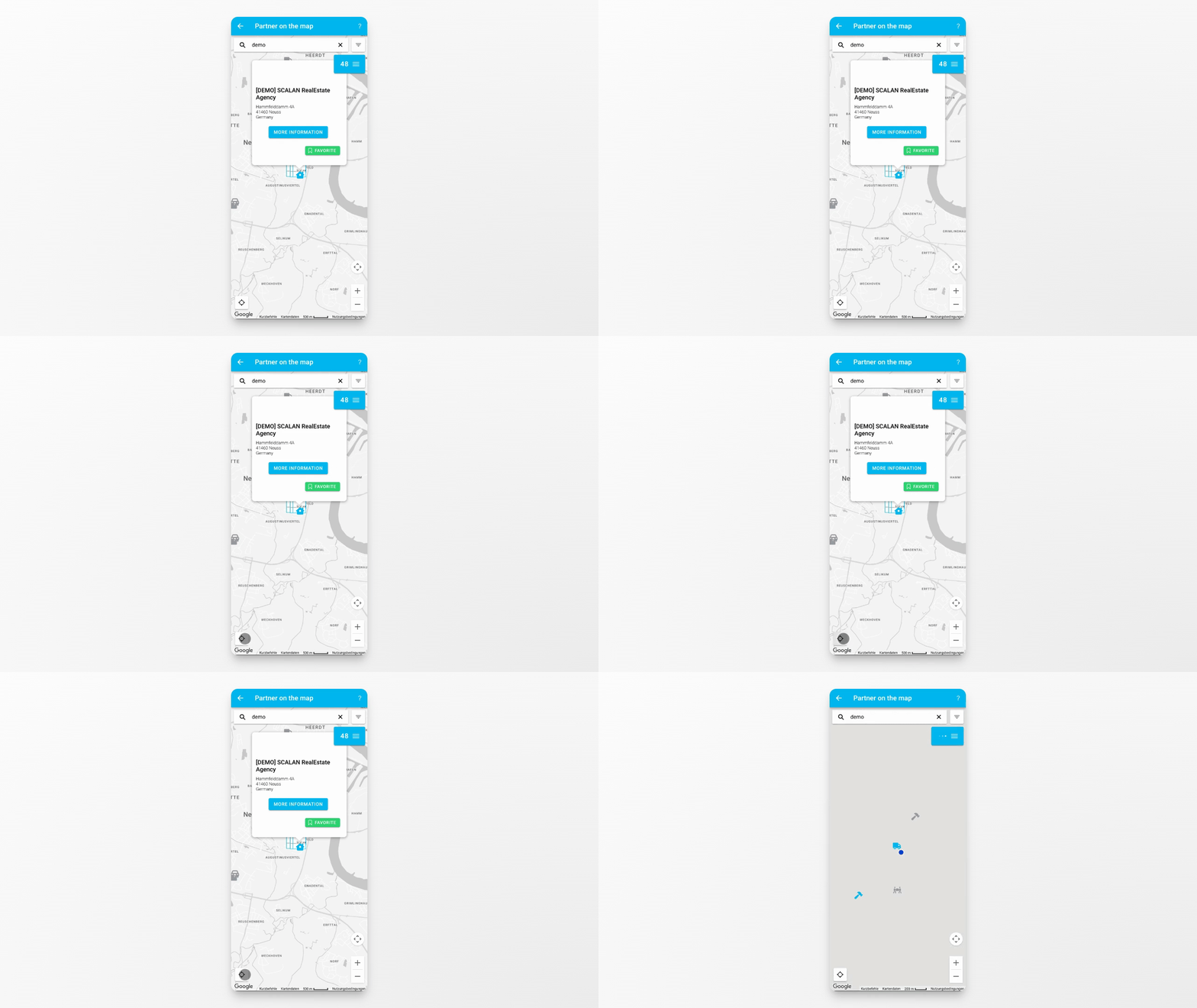
You can add new partners at any time by using the map view.
Step 3: Search for Partners
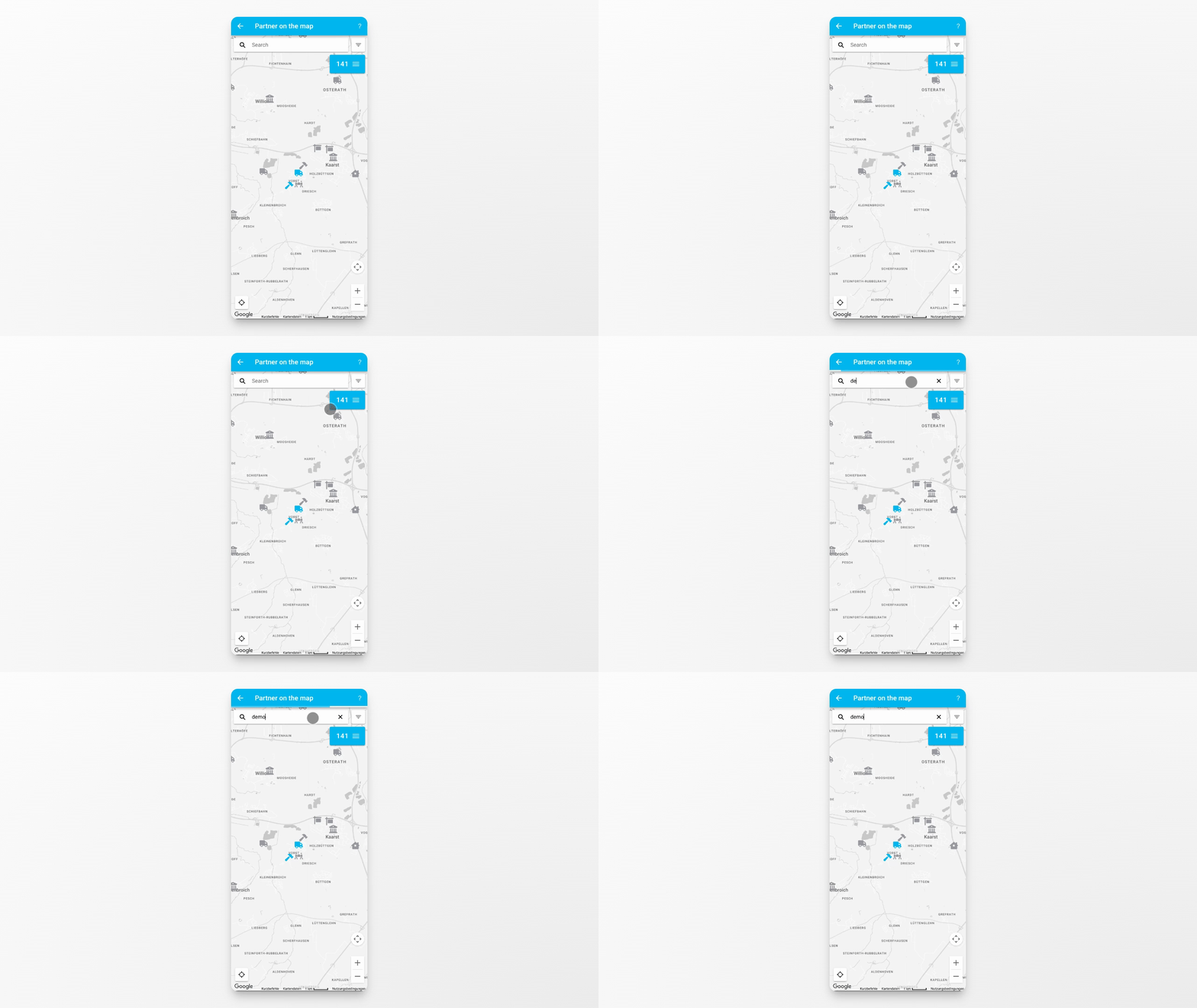
If you already know the partner's name or the city you are looking for, use the search field to find them quickly.
Step 4: Contact or Share Partners
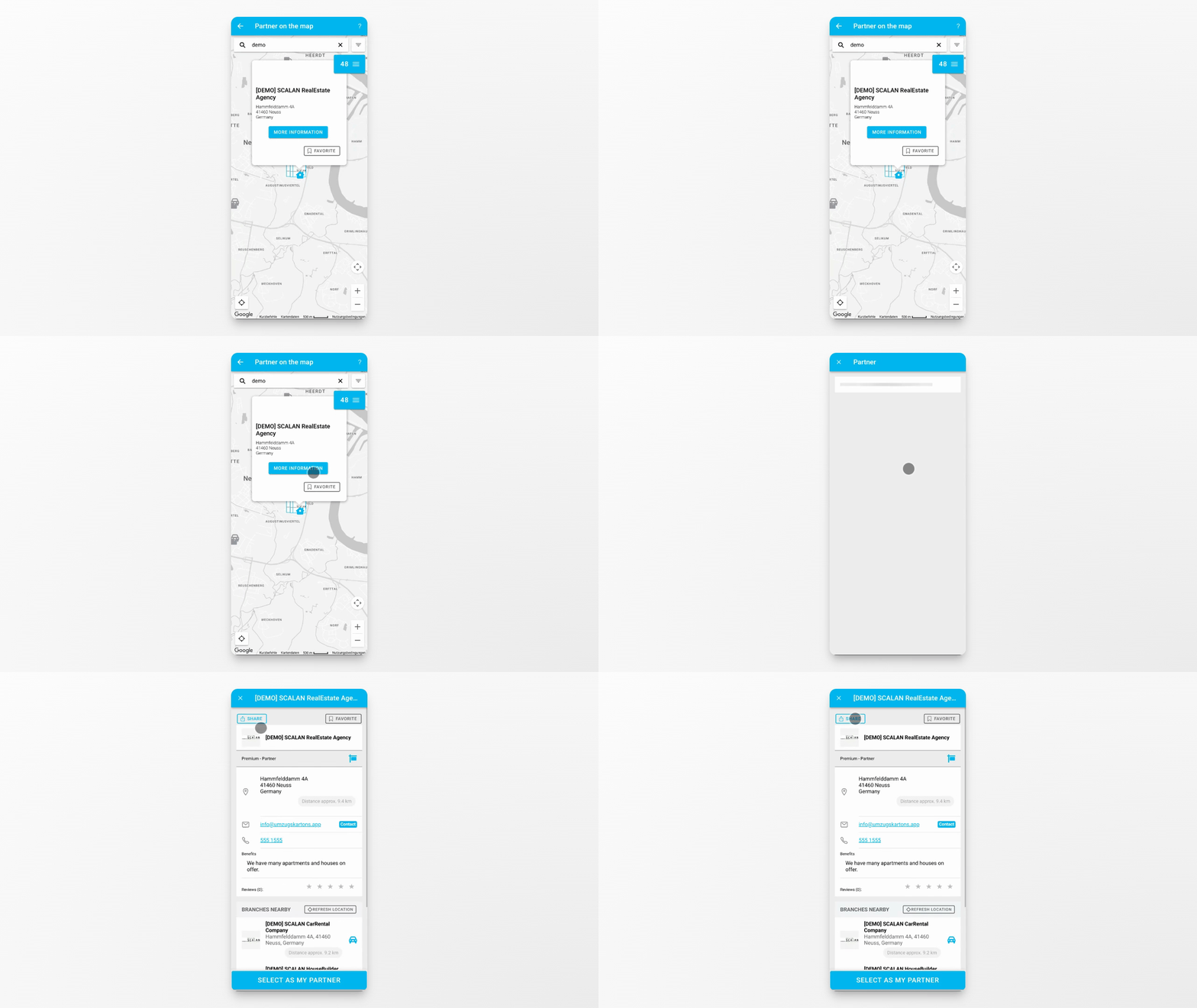
You can contact any partner directly or share recommended partners with others.
Step 5: Enable Location Access
If you enable location access, the map will show partners that are close to your current position. Use the Burger menu on the right to quickly switch between partners currently visible on the map, your linked partners, and your favorites.
Step 6: Manage and Locate Partners
This setup helps you instantly see where each partner is located and manage them efficiently.
Conclusion
By understanding the Partner section, you can easily organize, find, and interact with partners to support your move. Use the available tools to add, search, and manage partners for a smoother moving experience.